How UX/UI designers collaborate with developers
Different roles, one vision
Building a digital product is about more than great design or flawless code—it demands true collaboration. This article dives into how UI/UX designers and developers team up, why both roles are critical, and how seamless alignment between them delivers more efficient, faster, and better-crafted outcomes.
Who does what?
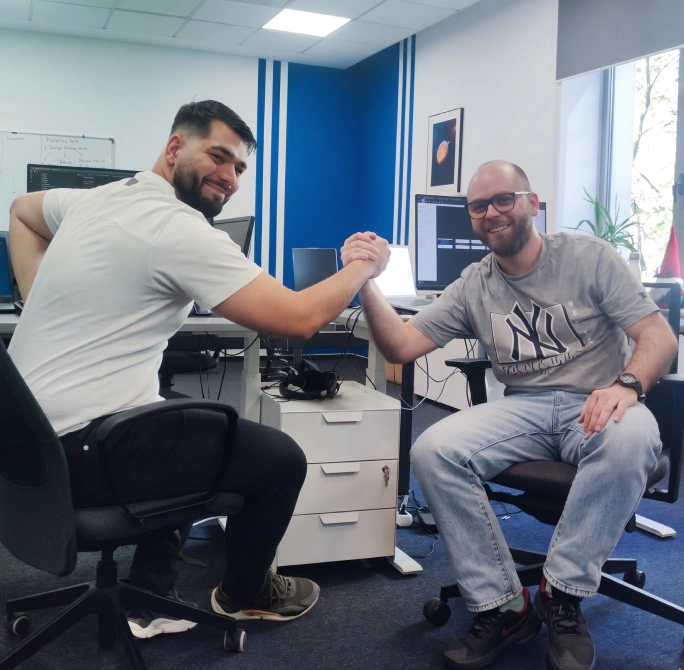
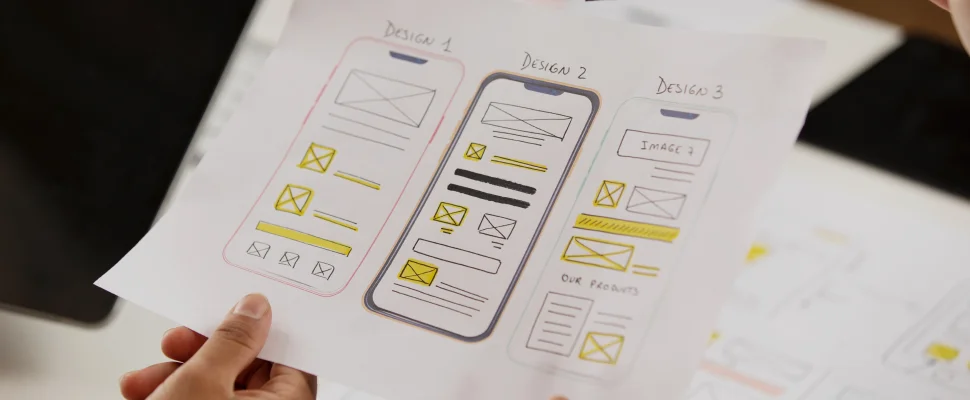
UI/UX designers are responsible for creating intuitive, engaging, and user-friendly digital experiences. They define the product’s structure, build layouts and prototypes, and ensure that the user experience meets real user needs.
Developers turn these concepts into functional products. They manage the technical side of the application—from front-end interfaces to back-end logic—and ensure that all components work smoothly and efficiently together.
Common Myths
There are still many misconceptions about these roles:
UI/UX designers don’t just make things look “pretty”—they solve problems and optimize the user journey.
Developers don’t just execute instructions—they actively contribute technical solutions and transform ideas into scalable, functional products.
Collaboration between the two teams isn’t just about “handing off” a design for implementation—it is an ongoing process built on continuous communication and feedback.
Why It Matters
UI/UX designers shape the experience, while developers bring it to life. Without this collaboration, the result can easily be either a well-built product that is frustrating to use, or an attractive design that fails to perform efficiently.
When both roles work together right from the start, the final product becomes more cohesive, higher-performing, and far more valuable to the users.
From Handoff to Hands-On
A Unified Approach
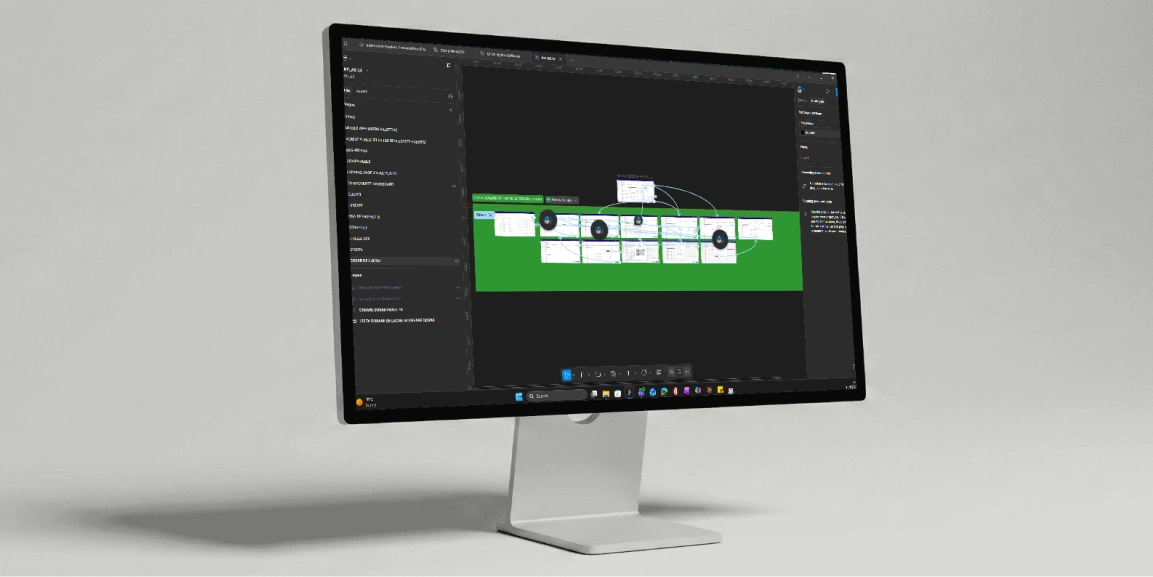
The days when designers worked in isolation and simply “handed over” files to developers are fading fast. Today, the best digital products are built through collaboration right from the project’s earliest stages. Designers and developers work side by side, brainstorming ideas, testing solutions, and actively contributing to the creation of user-centered experiences.
Collaboration, Not Silos
High-performing teams don’t operate in silos. Instead of a rigid handoff process, collaboration happens constantly and in real time. Tools like Figma allow UI/UX designers to update interfaces on the fly, while developers can provide technical feedback, ask questions, and propose optimizations as the product evolves.
Continuous Iteration
Involving both teams from the very beginning accelerates the iteration loop and reduces bottlenecks. Designers can adapt the visual experience based on technical constraints, while developers can identify optimization opportunities or potential implementation challenges early on.
The result is a more efficient development lifecycle where design and functionality evolve together, yielding a final product that is better built, more cohesive, and seamless to use.
“What helps me the most as a developer is maintaining constant communication with the design team from the very beginning of the project, having direct access to a clear design system in Figma, and working with designers who translate the client’s needs into patterns that are easy to implement in code. This way, we can quickly identify potential issues, make efficient adjustments, and deliver better and faster solutions together” said Andrei Bratcoveanu, Full-Stack Developer @ ZONKWAVE.
Better, Faster, Smarter
Real-time collaboration helps teams deliver better products in less time. By working closely, design and development teams can address challenges early, reduce errors, and optimize performance. The result? A product that’s both functional and visually compelling.
Tools, Talk & Trust
How collaboration actually works day-to-day
Collaboration between designers and developers doesn’t just happen by accident—it is built on the right tools, effective communication, and mutual trust.
Leveraging design systems and tools
A design system acts as the foundation for a shared design language. It ensures consistency across all touchpoints, significantly reducing discrepancies between design and development.
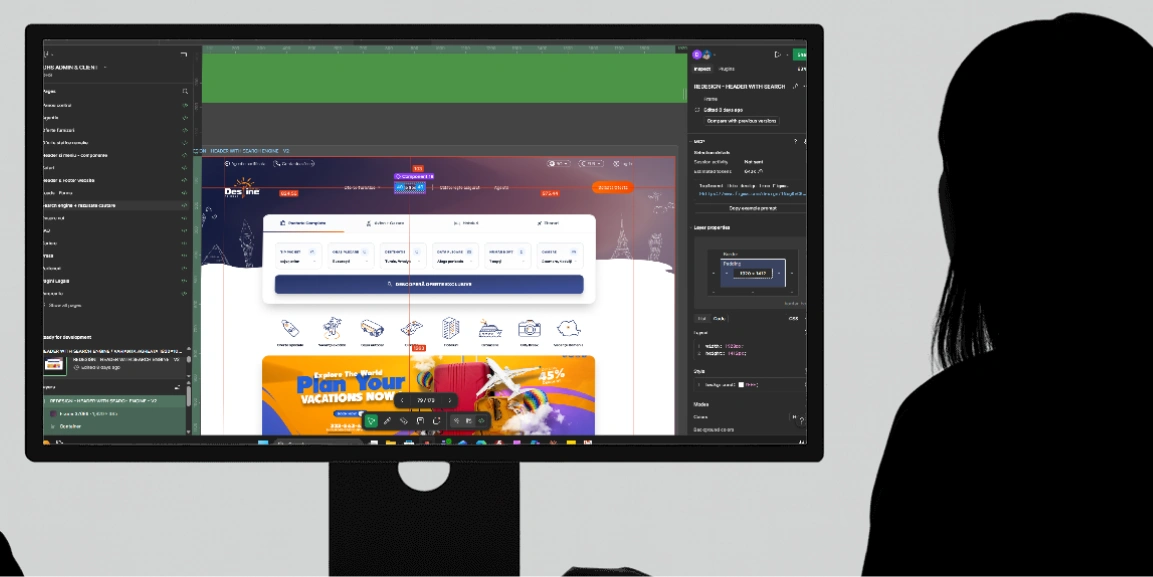
By using Figma, designers can create reusable components that developers can reference directly, ensuring everyone is working from a single source of truth. Furthermore, Figma’s Dev Mode makes the handoff process seamless. When designers share a file, developers can switch to Dev Mode to instantly inspect dimensions, colors, fonts, and even grab code snippets—eliminating the need for constant back-and-forth explanations. This saves time, prevents confusion, and allows both sides to stay focused on what they do best.
Finally, tools like Jira help break down tasks and track progress, keeping both designers and developers aligned on what’s happening at every stage of the project.
Communicating through regular check-ins
Collaboration thrives on regular check-ins. Whether it’s a daily stand-up, a weekly sprint review, or simply a quick message, ongoing communication ensures that both teams are always on the same page.
Building trust
At the core of any successful collaboration is trust. Designers need to trust developers to execute their vision, while developers rely on designers to create user-centred solutions.
When trust is strong, both teams can work more efficiently and creatively.
Finding flow
Creating a smooth process that fits your team
Creating flow in collaboration isn’t about rigid processes—it’s about adapting to your team’s needs. When designers and developers work in sync, they move beyond efficiency to produce a seamless, creative process.
Aligning on goals from day one
Clear goals and expectations set the tone for success. Both designers and developers should understand the product vision, user personas, and technical constraints from the get-go. This alignment helps avoid confusion down the line and ensures that both teams are working toward the same objectives.
Minimizing hand-offs
Top teams minimize hand-offs. Instead of passing work back and forth, they collaborate continuously, adjusting as they go, which leads to faster iteration and fewer surprises.
Empathy and understanding
When designers and developers understand each other’s constraints and challenges, collaboration becomes smoother. Empathy helps inform better design decisions and encourages more efficient problem-solving. By stepping into each other’s shoes, teams can avoid miscommunications and work more harmoniously.
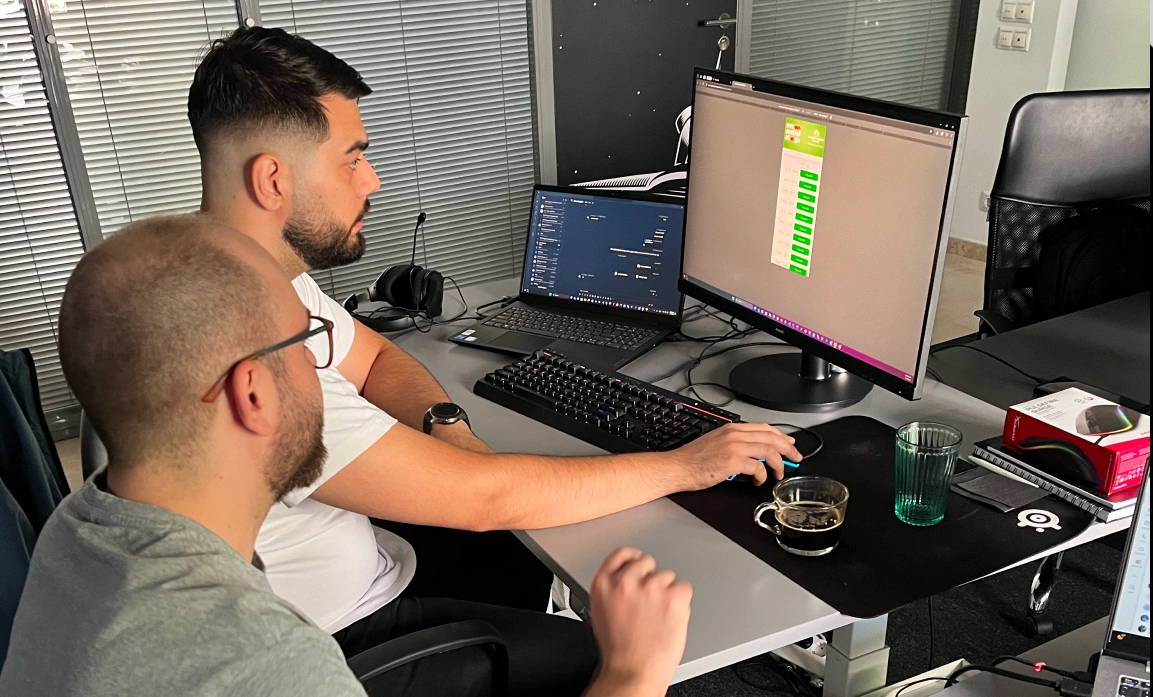
Real Talk: what makes it work
No collaboration process is perfect, and the best teams learn from their mistakes.
Embrace flexibility, not perfection
Projects rarely go according to plan. Whether due to design changes, shifting priorities, or technical constraints, flexibility is key. Teams that adapt quickly and make decisions on the fly are more successful than those that rigidly stick to their initial vision.
Prioritize problem-solving, not blame
In high-performing teams, the focus is always on solving problems, not assigning blame. When challenges arise, both designers and developers work together to find the best solutions. This mindset of collaboration over conflict leads to faster problem resolution and better overall outcomes.
Experience matters
When it comes to handoff, experience makes a big difference. An experienced developer knows how to navigate Figma’s Dev Mode, find the specs, grab assets, and move forward without needing extra explanations.
That doesn’t mean new devs can’t figure it out too, but with time and practice, the process becomes smoother and faster.
The more experience both sides have working together, the easier it gets. Things click. Questions become fewer. And the product moves forward with less friction and more flow.
Shared accountability
When both teams feel equally responsible for the product’s success, it drives better outcomes. Shared accountability fosters a culture where everyone is invested in the success of the project—leading to higher quality results and stronger teamwork.
“Good design isn’t just about visuals—it’s about creating functional, user-friendly experiences that are also easy to build. As a designer, my job is to ensure the design is intuitive and organized in a way that developers can implement smoothly. By making sure the design is clear, logical, and easy to follow, we can avoid confusion and speed up the process. When designers and developers work closely from the start, we ensure the final product is both visually engaging and works well in the real world” said Vivienne Pataki, UX/UI Designer @ ZONKWAVE.
Small wins, big successes
Waiting for the “perfect” product before launching only slows down progress. Instead, a truly effective approach relies on small, steady steps. Rapid iterations and continuous user feedback help teams improve the product incrementally, bringing it closer to real user needs.
United for success
When UI/UX designers and developers collaborate from the very beginning, the final outcome doesn’t just meet requirements—it exceeds them. By leveraging the right tools, real-time collaboration, and open communication, teams can build efficient processes that lead to better products.
Breaking down the barriers between roles, staying flexible, and aligning on common goals transform every project into a success—both for the team and the business.

Grow your business efficiently!
Subscribe to stay updated with the latest IT news and to benefit from free materials useful for growing your business.